
 EN
 简体中文
 Español
 Français
Agent authorizations and number section limits
An agent account lets a reseller run its own customers. Authorizations decide which changes it may make, and number sections decide which numbers it may hand out.
Updated · By the VOS3000 Web team
Quick answer: In VOS3000, right-click an account in Account management and choose Authorizations to set what that agent may do: add, delete or modify accounts, phones, phone cards and gateways, change gateway capacity, and make payments for itself or its sub accounts. The same window holds the number section limits: a Begin number and End number for the numbers its accounts may use.
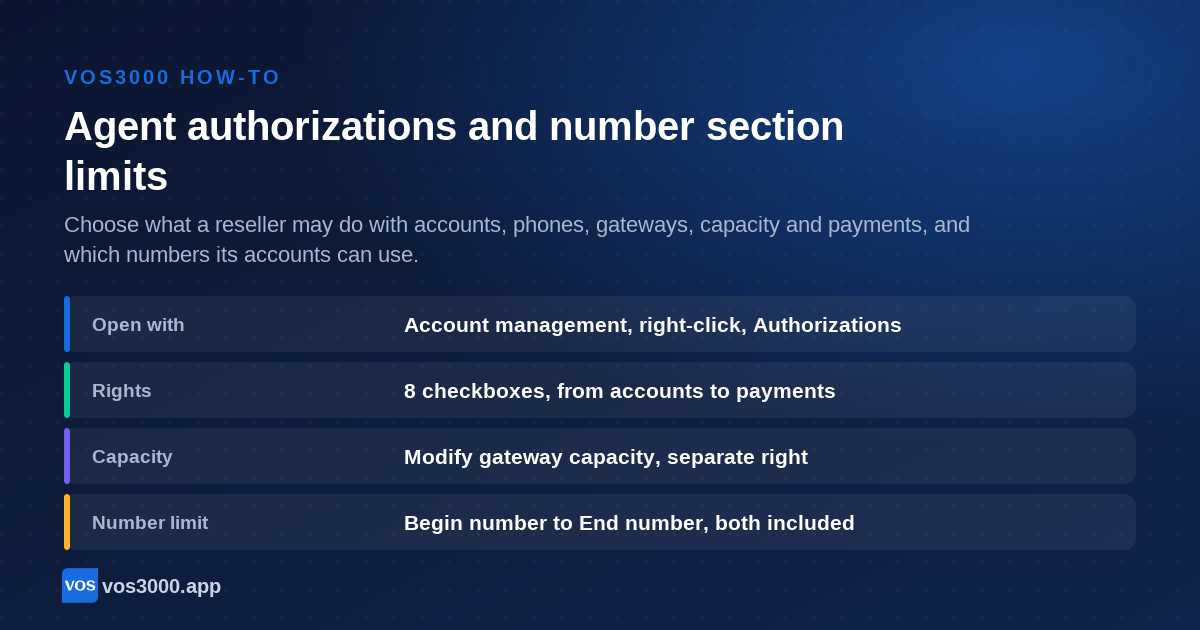
- Open with
- Account management, right-click, Authorizations
- Rights
- 8 checkboxes, from accounts to payments
- Capacity
- Modify gateway capacity, separate right
- Number limit
- Begin number to End number, both included
An account becomes an agent when it has sub accounts, and it then shows in the navigation tree; see agents and resellers for the basics, the agent login and the income report. This page is about the limits you put on each agent account in the VOS3000 desktop client.
Open the Authorizations window
Double-click Navigation > Account management, select the agent's account and choose Authorizations from the right-click menu. The same window holds both the rights and the number section limits.
The eight rights
| Authorization | Allows the agent to |
|---|---|
| Add/delete/modify account | Create, delete or modify accounts. |
| Add/delete/modify phone | Work with phones that belong to the account. |
| Add/delete/modify phone card | Work with phone cards that belong to the account. |
| Add/delete gateway | Add or remove gateways that belong to the account. |
| Modify gateway information | Change gateway details, except capacity. |
| Modify gateway capacity | Change the number of lines. |
| Payment for this account | Pay into its own account, including changing the overdraft amount. |
| Payment for sub accounts | Pay into its sub accounts. |
A typical reseller setup
The manual describes the usual case: the administrator gives the agent an agent account, does not let it recharge its own account, but lets it add accounts, phones and gateways and recharge its sub accounts. In practice:
- Leave Payment for this account off. You top up the agent; it cannot raise its own balance or overdraft.
- Turn on Add/delete/modify account and Payment for sub accounts so it can sign up and charge its customers.
- Turn on Add/delete/modify phone for retail customers on SIP phones, or Add/delete gateway and Modify gateway information for wholesale customers on mapping gateways.
- Keep Modify gateway capacity for yourself if you sell lines by the number, so the agent cannot raise its own line count.
Rules the agent works under
- An agent account can only manipulate its own sub accounts, and an agent user sees only the accounts authorized to it, in every account-related operation.
- The agent can create accounts for its sub-agents. Every account an agent creates must be placed under an agent account, and the creator must have the right to manipulate that agent account.
- Rate groups have their own Authorization list in Rate management. An agent who logs in sees only the rate groups that list it, so it can only give its customers the price lists you allow.
- Calls by sub accounts also charge the agent at the agent's own rate, up the tree. If billing disables the agent's account, its customers' phones and gateways stop calling too.
Number section limits
A number section limit sets which phone numbers can be added to the account. Its purpose, in the manual, is to avoid competition for number resources among agents. It has two fields:
- Begin number: the smallest number of the segment, included.
- End number: the largest number of the segment, included.
For an agent, the numbers of its sub accounts must also be inside this range, or VOS3000 shows an error. For an ordinary account, VOS3000 adds the matching number segments by itself. Changing the Account id of a phone also changes the number segment restrictions of its agent, and whoever edits the phone needs the right to manipulate phones of that account.
To see who holds which range, double-click Navigation > Number management > Number section query. It lists each Begin number and End number with the user's account id and name. See number management.
Logins and privileges
Authorizations limit what the agent account may do. What the agent's login may open in the client is set separately, on the user in User management; see users and permissions.
Questions about this topic
How do I stop a VOS3000 reseller from adding credit to its own account?
Leave Payment for this account unchecked in the account's Authorizations. That right also covers changing the overdraft amount.
Can an agent change the line limit of its gateways?
Only with Modify gateway capacity. Modify gateway information covers everything about a gateway except capacity.
What does a number section limit do?
It sets the range of phone numbers, from Begin number to End number, that can be added to the account, so agents do not take each other's numbers.
Why does VOS3000 refuse a number for an agent's sub account?
For an agent, the numbers of its sub accounts must be inside the agent's number section. A number outside the range gives an error.
Run VOS3000 without the server work
Pick a VOS3000 server hosted by us, or have us install VOS3000 on your own server. VOS3000 Web and the Android app come with it.
Keep reading
Agents and resellers
Agent accounts with sub-accounts, agent logins and the agent income report.
Users, groups and 2FA
Staff and partner logins, permission groups, two-factor sign-in and audit log.
Number management
Area information, number transform, number sections and black/white list groups.
SIP phones
Add phones, use the setup wizards, and set call forwarding, DND and voice mail.