
 EN
 简体中文
 Español
 Français
VOS3000 disk full: clean old CDR and logs
A busy switch writes data every second. If nothing removes old data, the disk fills and the database and softswitch start to fail.
Updated · By the VOS3000 Web team
Quick answer: VOS3000 keeps CDR, system logs, history alarms and reports in tables split by date, so the database grows every day. Open System management > Data maintenance to see how many records each day holds, copy off the CDR you must keep, and turn on Automatically cleanup so out-of-date data is removed every day. A Disk alarm warns you before the disk fills again.
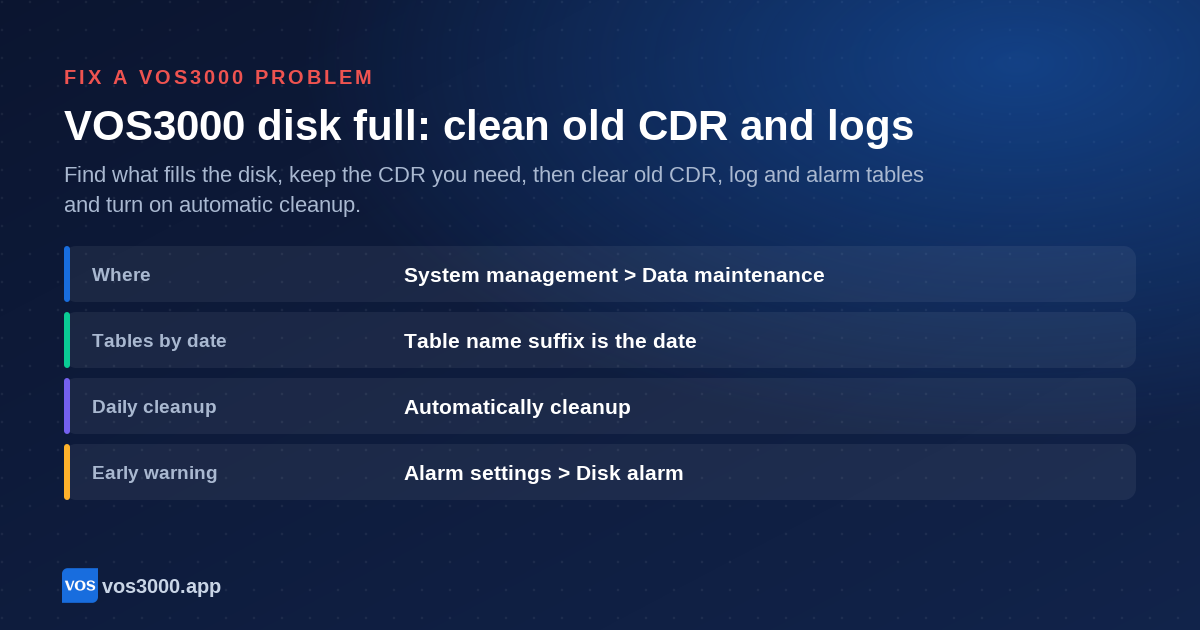
- Where
- System management > Data maintenance
- Tables by date
- Table name suffix is the date
- Daily cleanup
- Automatically cleanup
- Early warning
- Alarm settings > Disk alarm
The symptoms
- The client is slow to open CDR or reports, or queries time out.
- A Database alarm appears in Current alarm, or a Pending cdr alarm says the server cannot process CDR in time.
- On the server,
df -hshows the root or data partition close to 100%.
A full disk is not only a storage problem. When the database cannot write, CDR and billing stop being saved, so act before it reaches the limit.
Step 1: find what uses the space
On the server, df -h shows how full each partition is, and du -sh on a folder shows its size. On most VOS3000 servers the database is the largest item. If you turned on SS_CDR_RECORD_TO_FILE, the hourly files in the cdr folder of the softswitch also grow without limit; see CDR text files.
In the client, System management > System information shows the server's information, and Server monitor shows hard disk use.
Step 2: see which tables are large
Double-click Navigation > System management > Data maintenance. It covers these kinds of data:
| Tables | Hold |
|---|---|
| System Log Tables | The system log: who did what in the client. |
| History Alarm Tables | Alarms that have ended or been cleared. |
| Payment Record Tables | Payment records. |
| CDR Tables | Call detail records. |
| Other Income Report Tables | Other income reports. |
| Data Report Tables | Reports. |
Each kind is listed as tables with a Table name, a Data volume (the number of records) and a Memo. The suffix of the table name is the date, so one table holds one period of data. Compare the Data volume of each table to see which days are largest. On most switches the CDR tables are far bigger than the rest.
Step 3: keep what you need
Before you remove any old data, decide how long you must keep it. Customers may dispute an invoice months later, and some countries require call records to be kept for a set time. Then:
- Copy the CDR you must keep off the server: hourly CDR text files, or the CDR and reports you export from the client.
- Back up your configuration. A VOS3000 Web backup keeps rates, accounts, gateways and phones, but not CDR, so it does not replace step 1.
- Check that the copies open on another machine before you delete anything on the switch.
Step 4: turn on automatic cleanup
In the same Data maintenance window, open Automatically Cleanup and click Filter to load the current settings. When automatic cleanup is enabled, VOS3000 removes out-of-date data every day. The manual says this includes data for accounts, their gateways and their phones, so read each setting before you save. Once it runs, the disk stays level instead of growing until it is full.
Old CDR text files are not part of this. Remove hourly files you have already copied off the server yourself.
Step 5: write less data
Some records have little value. In System management > System parameter:
- SERVER_BILLING_RECORD_ZERO_HOLD_TIME (On by default) saves CDR for calls with no talk time. The manual suggests turning it off if the system is under attack, to reduce process load.
- SERVER_BILLING_RECORD_ILLEGAL_CALL (On by default) saves CDR for illegal calls, from IPs not on any mapping gateway and numbers not in phones.
For a single customer, the mapping gateway option Not recorded no hold time cdr stops CDR for calls without talk time. Turn these off only if you do not need failed calls for ASR or troubleshooting. See system parameters.
Step 6: get warned next time
Double-click Navigation > Alarm management > Alarm settings > Disk alarm. Add a row with the Monitor device, the Alarm type Disk usage, an Upper bound and a Period. To get it by e-mail, set SERVER_ALARM_ENABLE_EMAIL and SERVER_ALARM_EMAIL. See VOS3000 alarms.
Questions about this topic
Why is my VOS3000 disk full?
Usually the database: every call adds a CDR row, and system logs, history alarms and reports add more each day. Hourly CDR text files, if you turned them on, also stay on the server until you remove them.
Is it safe to delete old CDR in VOS3000?
Only once you no longer need them for billing, disputes or reports. Deleted CDR cannot be rebuilt, so copy what you must keep off the server first.
Does automatic cleanup delete accounts?
The manual says the daily cleanup removes out-of-date data, including data for accounts, their gateways and their phones. Check the current settings with Filter before you turn it on.
How do I get warned before the disk fills?
Add a Disk alarm under Alarm management > Alarm settings with an Upper bound on Disk usage, and turn on e-mail alarms with SERVER_ALARM_ENABLE_EMAIL.
Run VOS3000 without the server work
Pick a VOS3000 server hosted by us, or have us install VOS3000 on your own server. VOS3000 Web and the Android app come with it.
Keep reading
Backup and restore
Encrypted backups, daily auto backup, and restoring on another server.
CDR text files
Write every call to an hourly text file: how to turn it on, where the files are and the field format.
Alarms and alerts
ASR, ACD, balance and server alarms with e-mail and voice alerts.
System parameters
Where the SERVER_ and SS_ parameters are, and the billing, CDR and call ones worth knowing.