
 EN
 简体中文
 Español
 Français
Phone call permissions and monthly limits
A phone in the wrong hands can call anywhere and spend anything. These phone settings decide what it may dial, what it may spend, and how many calls it may hold.
Updated · By the VOS3000 Web team
Quick answer: Each VOS3000 phone has an Authorization type: Net, Local, Domestic or International. Before a call, VOS3000 compares it with the Rate type of the matched rate and refuses the call if the rate type ranks higher. Monthly max caps what the phone spends in a month, Monthly min and Monthly service fee are charged at the start of the month, and Line limit caps its channels.
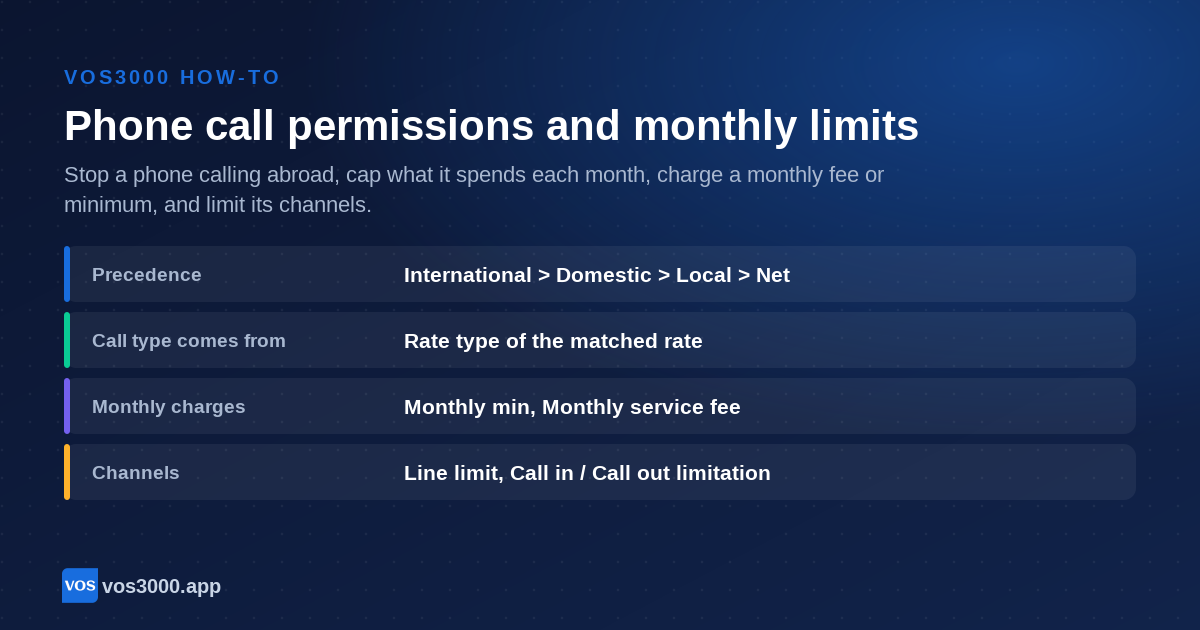
- Precedence
- International > Domestic > Local > Net
- Call type comes from
- Rate type of the matched rate
- Monthly charges
- Monthly min, Monthly service fee
- Channels
- Line limit, Call in / Call out limitation
All the settings below are columns in Navigation > Operation management > Phone operation > Phone management in the VOS3000 desktop client. For adding the phone itself, its password and its supplementary services, see SIP phones.
Authorization type: what the phone may dial
Authorization type has four values. The manual ranks them like this:
International call > Domestic call > Local call > Net call
When the phone makes a call, VOS3000 finds the matching rate and compares that rate's Rate type with the phone's Authorization type. If the rate type ranks higher, the call is denied. So a phone set to Domestic can make Domestic, Local and Net calls, but not International ones. A phone set to International can call everything.
The manual lists this as Call restriction: a call stopped by a restriction such as International call, set on the phone or the gateway. Mapping gateways have the same setting under the name Call permission.
How VOS3000 decides the call type
VOS3000 does not work out "international" from country codes by itself. The call type is simply the Rate type of the rate that matched the called number. You set it on each rate in Rate management: Net, Local, Domestic or International. The same value appears as Call type in the CDR and drives the local, domestic, international and net totals in the bill reports.
This puts the work on your rate table:
- Give every rate the right Rate type. An international rate left as Domestic lets a Domestic phone call it.
- The longest matching Rate prefix wins. The manual warns against a single national prefix such as 0: if the international rates are incomplete, some international numbers match 0 and are treated as national. Use 01 to 09 instead.
- The phone's rate comes from its Account id. The manual says this account's rate is used to bill the call and to run the authorization check. See VOS3000 rates.
To let users dial local numbers without the area code, use a dial plan on the phone (Advanced configuration), not a wider permission.
Monthly limits and charges
| Field | What it does |
|---|---|
| Monthly consumption | What the phone has spent so far this month. Read only. |
| Monthly max | The most the phone may spend in a month. |
| Monthly min | A minimum spend. At the start of the month VOS3000 works out last month's cost; if it is below this value, the difference is taken off. |
| Monthly service fee | A rent, taken off at the start of the month. |
| Billing rate | A private rate for this phone. |
Monthly max is a good guard for office and hotel phones: a stolen password then costs at most one month's cap. Monthly min and the service fee suit phones you rent out at a fixed price. For rents with free minutes, a package on the account gives you more options.
Channel and call limits
- Line limit: the most calls the phone may have at once, incoming and outgoing together.
- Call out limitation: the most outgoing calls at once.
- Call in limitation: the most incoming calls at once.
- Lock type: Bar outgoing, Bar incoming or Bar all calls to stop a phone quickly without deleting it.
- Caller black/white list group and Callee black/white list group: allow or refuse particular numbers.
For most desk phones a Line limit of 1 or 2 is plenty. A high limit only helps someone who has stolen the password.
A safe starting point
- Set Authorization type to the lowest level the user needs, often Domestic.
- Check that your rates carry the correct Rate type.
- Set a Monthly max a little above normal use.
- Keep Line limit low.
- Make a test call to a blocked destination and check the CDR shows it refused.
For more limits across gateways and accounts, see fraud protection.
In VOS3000 Web
In VOS3000 Web, our browser panel, Phone Management sets each phone's Capacity, Lock Type and Call Permission; a new phone gets International by default, so lower it when you add the phone. The monthly fields and the private billing rate are set in the desktop client.
Questions about this topic
How do I stop a VOS3000 phone calling international numbers?
Set the phone's Authorization type to Domestic, Local or Net, and make sure your international rates have the Rate type International. Calls that match an international rate are then refused.
How does VOS3000 know a call is international?
From the Rate type of the rate that matches the called number. It does not look at country codes on its own, so a rate with the wrong type gives the wrong result.
When is the Monthly service fee charged?
The manual says it is taken off at the beginning of the month, like the Monthly min difference.
What is the difference between Line limit and Call out limitation?
Line limit caps incoming and outgoing calls together. Call out limitation caps only the calls the phone makes, and Call in limitation only the calls it receives.
Run VOS3000 without the server work
Pick a VOS3000 server hosted by us, or have us install VOS3000 on your own server. VOS3000 Web and the Android app come with it.
Keep reading
SIP phones
Add phones, use the setup wizards, and set call forwarding, DND and voice mail.
Rate groups and rates
Create rate groups, add rates and bill customers per second or per minute.
Packages (bundles)
Monthly rent with free minutes or free credit, ordered per account.
Fraud protection settings
Authentication lockouts, dynamic blacklists, geofencing and call limits that cap fraud losses.