
 EN
 简体中文
 Español
 Français
Bill query and clearing query in VOS3000
A customer disputes a balance, or a carrier sends a statement. These are the screens that show what each side owes.
Updated · By the VOS3000 Web team
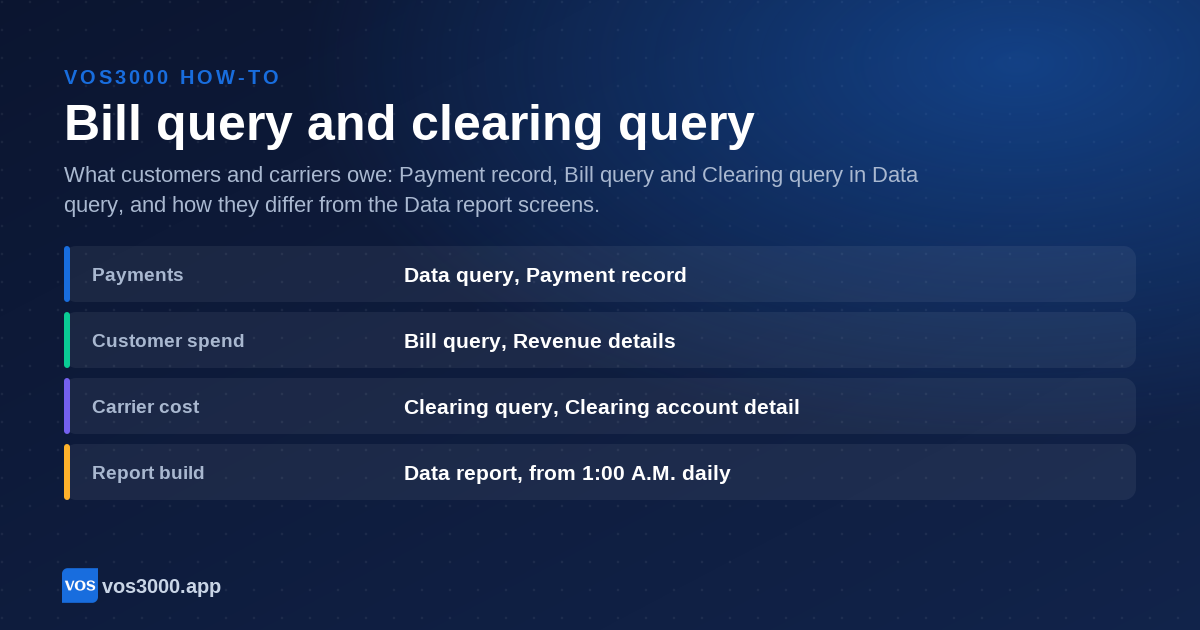
Quick answer: In the VOS3000 desktop client, Navigation, Data query holds three money screens: Payment record lists every top-up and credit, Bill query shows what customers spent (by account, mapping gateway, phone, area and balance), and Clearing query shows what each carrier, a clearing account, cost you. Data report has similar bills, but they are generated once a day.
- Payments
- Data query, Payment record
- Customer spend
- Bill query, Revenue details
- Carrier cost
- Clearing query, Clearing account detail
- Report build
- Data report, from 1:00 A.M. daily
All screens on this page are in the VOS3000 desktop client under Navigation → Data query. The manual notes that this historical data is independent of configuration: deleting an account does not remove its CDR. So you can still look up a customer you closed last month.
Data query bills vs Data report
The same bills appear twice in the client. Data report holds the bill and clearing reports covered in VOS3000 reports. The manual says those reports are generated from 1:00 A.M. every day, only for the reports enabled in System parameter, and that how long it takes depends on the server and the amount of data.
Data query has its own bill screens with nearly the same columns. The manual does not say how the query totals are worked out, so treat the two as separate views of one billing data. Use Data query to look something up; use Data report for the daily, downloadable report set. If a query and a report for the same days disagree, regenerate the report in Report management before you dig further.
Payment record
Navigation → Data query → Payment record lists money added to accounts. Each row has:
- Account id, Account name, Payment amount and Account balance, the balance after the payment.
- Type: Create Account, Credit or Payment.
- Payment time, Mode (the method), Payment user (who made it) and Memo.
- Agent id, Agent name and a unique Serial number.
When a customer says a top-up is missing, this is the first place to look. Payment user tells you which of your staff entered it. How to add payments is in customers and payments.
Bill query: what customers spent
Navigation → Data query → Bill query has six screens:
- Revenue details: per account, Call charges, Total taxes, Total charges & taxes and Total duration, split into Local, Domestic, International and Intranet charges and duration by the call type of the CDR. Also Total package, Package duration and Number of cdr, the CDRs with call length in the period.
- Gateway bill: spend per mapping gateway, with Gateway name, Ip and the account the gateway belongs to. Useful when one customer sends traffic on several gateways.
- Phone bill: spend per Phone number from Phone management, with Account id and Billing method.
- Area details: details for each area, by Area prefix and Area name.
- Account area: each account's consumption per area.
- Account balance: Revenue and Expenditure with their taxes, plus Agent id and Agent name.
Account balance needs one note. The manual says revenue is only for agents: it is the total expenditure of their sub accounts. An ordinary account shows only expenditure. See agents.
Clearing query: what carriers cost you
Carriers are clearing accounts, linked to routing gateways. Navigation → Data query → Clearing query has three screens:
- Clearing account detail: the consumption of each Routing clearing account. This is what you owe each carrier.
- Clearing gateway detail: the same per routing gateway, with Gateway name and Ip.
- Account clearing balance: for each customer account, what its calls cost on each clearing account: Clearing costs, Clearing duration, Clearing package amount and Clearing package duration. The manual says it is there to calculate operating profit quickly.
Question / Which query
| Question | Which query |
|---|---|
| Did the customer's top-up go in, and who entered it? | Payment record |
| How much did each customer spend, with taxes? | Bill query → Revenue details |
| Which of a customer's trunks sends the traffic? | Bill query → Gateway bill |
| What did one SIP phone or extension cost? | Bill query → Phone bill |
| Which destinations sell the most? | Bill query → Area details |
| Where does one customer call? | Bill query → Account area |
| What did an agent's sub accounts spend? | Bill query → Account balance |
| How much do I owe a carrier? | Clearing query → Clearing account detail |
| Which route to that carrier costs most? | Clearing query → Clearing gateway detail |
| What does one customer cost me on each carrier? | Clearing query → Account clearing balance |
When the numbers do not match
A bill is a sum of CDRs. If a customer or carrier disputes it, go down to the calls: Data query → Cdr has Call charges and Call expense for each call; see VOS3000 CDR. Rounding, time zones and short calls explain most gaps; see CDR vs carrier invoice. If the carrier also runs VOS3000, bilateral reconciliation checks the balance between you in real time.
In VOS3000 Web
VOS3000 Web, our browser panel, has a Payment History page with every payment, and it sends customer invoices built from the CDR; see invoices. Use the desktop client for the bill and clearing query screens above.
Questions about this topic
What is the difference between Data query bills and Data report in VOS3000?
Both show charges per account, gateway, phone and area. Data report is built from 1:00 A.M. each day for the reports enabled in System parameter. Data query is where you look up bills, payments and clearing costs on their own screens.
Where do I see all top-ups for one customer?
In Navigation, Data query, Payment record. Each row has the amount, the balance after payment, the type, the user who made it and a memo.
Why does Account balance show no revenue for a customer?
Revenue in Account balance is only for agents: it is the total spend of their sub accounts. An ordinary account only has expenditure.
How do I see what I owe a carrier?
Clearing query, Clearing account detail, for the carrier's routing clearing account. Clearing gateway detail splits it per routing gateway.
Run VOS3000 without the server work
Pick a VOS3000 server hosted by us, or have us install VOS3000 on your own server. VOS3000 Web and the Android app come with it.
Keep reading
Reports and analysis
Revenue, clearing and gateway reports, and which one answers which question.
Customers, vendors and payments
Add accounts, set balance and overdraft, record payments and give portal logins.
CDR minutes differ from the carrier
Billing cycles, rounding, short calls, answer time and time zones: why totals differ and how to compare.
Automatic invoices
Send daily, weekly or monthly invoices by e-mail with bank and crypto details.