
 EN
 简体中文
 Español
 Français
Caller number pool on routing gateways
Some routes need the caller number taken from a set of numbers you own, each used by only a few calls at once. That is what the caller number pool does.
Updated · By the VOS3000 Web team
Quick answer: In a VOS3000 routing gateway's Additional settings > Others, Enable caller number pool sends a number from a pool as the caller. Multiplexes sets how many calls may use each pool number at the same time. Enable forwarding signal caller pool does the same for forwarded signalling; FORWARD_SIGNAL_REWRITE_SEQUENCE in softswitch.conf picks the order, 0 random (default) or 1 poll.
- Where
- Routing gateway, Additional settings > Others
- Per-number limit
- Multiplexes
- Order
- FORWARD_SIGNAL_REWRITE_SEQUENCE: 0 random, 1 poll
- Check result
- CDR Outbound caller
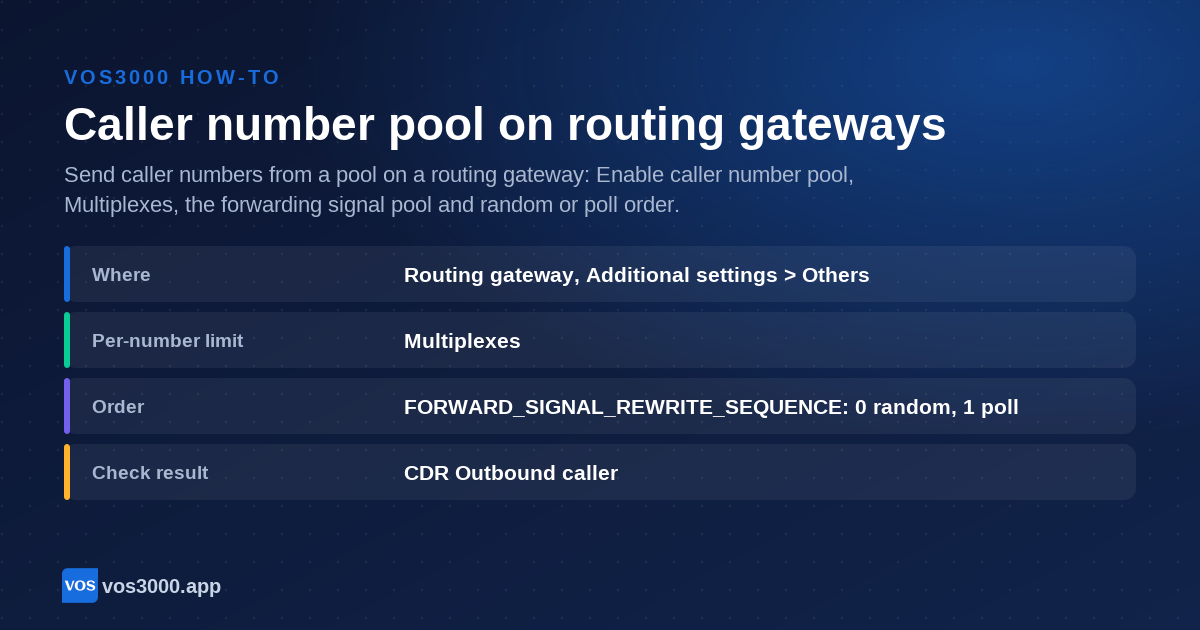
Normally VOS3000 sends the customer's caller number, changed only by the dial plans on the gateways. With a caller number pool, the routing gateway replaces the caller with a number from a pool. This page covers the pool settings only. For which SIP header carries the number, see caller ID settings.
When a pool is useful
- A carrier accepts only caller numbers from a list it has approved for your trunk.
- You have a block of DIDs and want outbound calls spread across them.
- Each number may carry only a few calls at the same time, by contract or by the carrier's rules.
The settings
Open the routing gateway in Navigation > Operation management > Gateway operation > Routing gateway, then Additional settings > Others:
| Setting | What it does |
|---|---|
| Enable caller number pool | Use a number in the pool as the caller. |
| Multiplexes | How many times each pool number may be used at once: the maximum concurrency per number. |
| Enable forwarding signal caller pool | Use a number in the pool as the caller in forwarded signalling. |
The manual gives Enable forwarding signal caller pool the same one-line description, “use number in pool as caller”. It appears on the mapping gateway too, under Additional settings > Others. Test it on one gateway before you rely on it.
Random or in turn
The order in which pool numbers are taken is not set in the client. It is set by FORWARD_SIGNAL_REWRITE_SEQUENCE in the softswitch configuration file softswitch.conf:
- 0: random. This is the default.
- 1: poll, so the numbers are used in turn.
Poll spreads calls evenly over the pool. Random is simpler but can use one number more than another over a short period. Keep a copy of the file before you edit it.
Sizing the pool
Multiplexes and the pool size together cap the calls the pool can carry. With 20 numbers and Multiplexes 3, at most 60 calls can each get a pool number at the same time. Keep that above the routing gateway's Line limit, or plan what happens to the extra calls and test it at your busy hour. If the carrier also limits call attempts per second, see CPS limit.
The 2.1.9.07 manual describes these switches but does not show the screen where the pool numbers are entered. Check your client version, or ask us if you host with us.
Pool or dial plan?
A caller dial plan can also send varied numbers, using ranges or random digits; see rewrite rules. The difference:
- A dial plan builds the number from a pattern. It has no idea how many calls already use a number.
- A pool chooses from a fixed set and, with Multiplexes, limits the calls on each number.
If you use both on the same route, test which result reaches the carrier. The manual does not state the order in which a pool and a caller dial plan apply.
Check the result
Make a test call and open it in the CDR. Incoming caller is the original caller number sent to the server. Outbound caller is the number sent to the called side. With the pool on, Outbound caller should be one of your pool numbers. For the full INVITE, use a debug trace.
In VOS3000 Web, our browser panel, the CDR page has Incoming caller and Outbound caller columns, so you can check a day's calls without the desktop client.
Use numbers you are allowed to present
Your carrier and the rules where the call starts and ends decide which caller IDs you may present. Put only numbers you hold, or are authorised to use, in the pool. Calls with numbers that are not yours are often blocked or rejected.
Questions about this topic
What does Multiplexes mean in VOS3000?
It is the number of calls that may use the same pool number at the same time. Each pool number is used by at most that many concurrent calls.
Is the caller number pool random or in order?
The manual ties the order to FORWARD_SIGNAL_REWRITE_SEQUENCE in softswitch.conf: 0 is random, 1 is poll (in turn). Random is the default.
How is a number pool different from a random caller dial plan?
A dial plan rewrites the number by a pattern, such as a range or random digits. The pool picks from a set of numbers and can limit how many calls use each one at once.
How do I check which number was sent?
Open the call in the CDR. Incoming caller is the number the customer sent; Outbound caller is the number VOS3000 sent to the carrier.
Run VOS3000 without the server work
Pick a VOS3000 server hosted by us, or have us install VOS3000 on your own server. VOS3000 Web and the Android app come with it.
Keep reading
Caller ID settings
Where VOS3000 reads and sends the caller number: From, Remote-Party-ID, P-Asserted-Identity and Privacy.
Add a routing gateway
Set up a vendor route: prefix, IP and port, priority and least-cost options.
Rewrite rules and dial plans
The initial:destination format, prefix allow and forbidden lists, number lengths.
Add a mapping gateway
Set up a customer gateway: types, IPs, line limits, prefixes and billing.