
 EN
 简体中文
 Español
 Français
Re-rate past calls with Modify CDR
A wrong price was live for a few days and a customer was overcharged or undercharged. Modify Cdr recalculates the charges on those calls without touching the calls themselves.
Updated · By the VOS3000 Web team
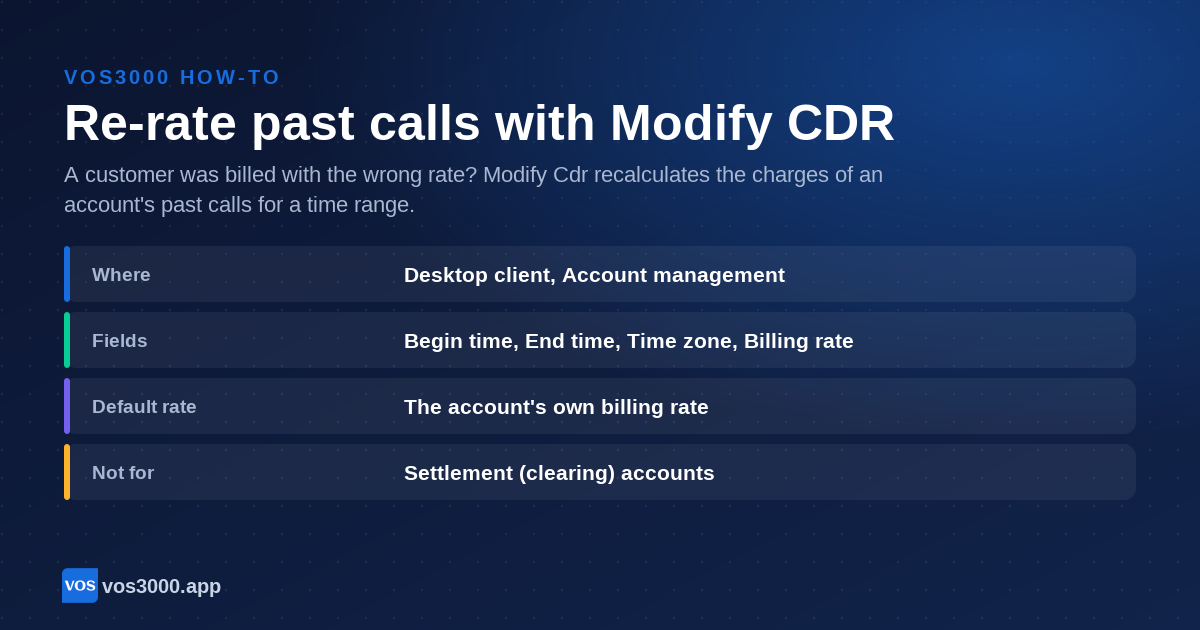
Quick answer: Modify Cdr in the VOS3000 desktop client recalculates the charging amount of an account's past calls. Set a Begin time and End time, the Time zone of those times, and the Billing rate to use; left at the default, VOS3000 uses the account's own billing rate. It cannot change the rate of a settlement (clearing) account.
- Where
- Desktop client, Account management
- Fields
- Begin time, End time, Time zone, Billing rate
- Default rate
- The account's own billing rate
- Not for
- Settlement (clearing) accounts
VOS3000 prices each call when it ends, from the rate group in the account's Billing rate. If that rate group had a wrong price, or the account had the wrong rate group, every call in that period carries the wrong Call charges. Modify Cdr is the desktop client function for this case: in the manual's words, it modifies the charging amount of the account's history bill.
Before you start: fix the rate
Re-rating with a rate that is still wrong only moves the error. First correct the source:
- If a price in the rate group was wrong, correct that rate in Rate management. See VOS3000 rates for the rate fields.
- If the account pointed at the wrong rate group, change the account's Billing rate in Account management.
- Remember the account may also have a Private rate. The manual's billing rule takes the cheapest of the period rate, the account rate, the account private rate and the phone private rate, so a private rate can explain a price you did not expect.
The Modify Cdr fields
Modify Cdr works on one account and has four fields:
| Field | What the manual says |
|---|---|
| Begin time | The start of the period to revise. |
| End time | The end of the period to revise. |
| Time zone | Fixes the time zone of the bill time. |
| Billing rate | The rate used to correct the charging amount. Left at the default, the account's own billing rate is used. |
Steps
- Find the exact window. In Data query → Cdr, filter on the account and look at Area prefix, Charged duration and Call charges to see when the wrong price started and stopped.
- Correct the rate group or the account's billing rate, as above.
- Open Modify Cdr for the account in Account management.
- Set Begin time and End time to that window, and pick the Time zone the times are in.
- Leave Billing rate on the default to re-rate with the account's current billing rate, or choose another rate.
- Run it, then query the same calls in Data query → Cdr again and check the new Call charges.
Getting the window right
Use the time zone your customer is billed in. If the server runs one time zone and the customer's invoice another, a window set in the wrong zone misses calls at one end and re-rates good calls at the other. The same problem makes CDR totals differ from carrier invoices; see CDR minutes differ from the carrier.
Keep the window as narrow as the error. Calls outside it keep their old charges.
What Modify Cdr cannot do
- Settlement accounts: the manual states that the bill rate of a settlement account cannot be modified this way. Vendors are Clearing accounts in VOS3000, so a wrong Call expense from a vendor rate is not corrected here. Fix the vendor rate for future calls and settle the past difference with the vendor directly.
- Durations: it changes what the calls cost, not how long they were. Call duration and Charged duration come from the call itself and the billing cycle.
- The balance: the manual does not say whether the account's balance is adjusted along with the CDR. Check the account's Current balance before and after. If you need to give credit back or collect a difference, record it as a payment so it shows in the payment record; see customers and payments.
Avoid the next correction
Most re-rating starts with a price change that went live too early or too late. Fee rate of timing replace on a rate group in Rate management changes the rates at a set time, so a new price starts exactly when it should. After any rate change, place a test call and check its Call charges in the CDR.
Questions about this topic
Can I change the charge on past VOS3000 calls?
Yes. Modify Cdr in the desktop client recalculates the charging amount of an account's calls between a Begin time and an End time, using the Billing rate you choose.
Which rate does Modify Cdr use if I leave Billing rate on the default?
The billing rate of the account itself, so first fix the rate group the account uses and then re-rate with the default.
Can I re-rate what a vendor charges me with Modify Cdr?
No. The manual says the bill rate of a settlement account cannot be modified this way. Vendors are clearing accounts in VOS3000.
Why set a Time zone in Modify Cdr?
It fixes the time zone of the Begin time and End time, so the range you correct is the same window your customer sees on their bill.
Run VOS3000 without the server work
Pick a VOS3000 server hosted by us, or have us install VOS3000 on your own server. VOS3000 Web and the Android app come with it.
Keep reading
Rate groups and rates
Create rate groups, add rates and bill customers per second or per minute.
CDR minutes differ from the carrier
Billing cycles, rounding, short calls, answer time and time zones: why totals differ and how to compare.
Search and read CDR
Find calls, read every CDR column and understand termination reasons.
Customers, vendors and payments
Add accounts, set balance and overdraft, record payments and give portal logins.