
 EN
 简体中文
 Español
 Français
Connect a SIP trunk to VOS3000
VOS3000 has no item called "SIP trunk". A trunk is a gateway, and which kind depends on whether you are buying or selling.
Updated · By the VOS3000 Web team
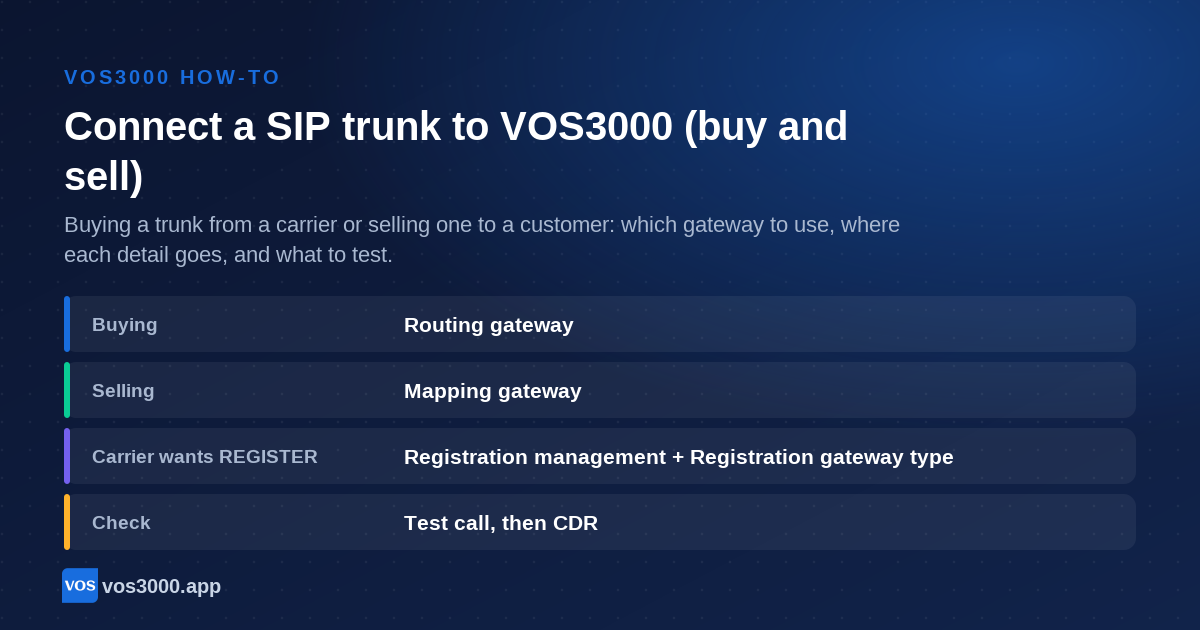
Quick answer: In VOS3000 a trunk you buy from a carrier is a routing gateway, and a trunk you sell to a customer is a mapping gateway. Static carriers need their IP and Signaling port; carriers that give a user name and password need a Registration management entry and a routing gateway of the Registration type. Rates sit on both sides, then a test call and the CDR confirm it.
- Buying
- Routing gateway
- Selling
- Mapping gateway
- Carrier wants REGISTER
- Registration management + Registration gateway type
- Check
- Test call, then CDR
First: buying or selling?
| You are | Calls flow | In VOS3000 |
|---|---|---|
| Buying termination from a carrier | Your switch → carrier | Routing gateway with a vendor (clearing) account |
| Selling a trunk to a customer | Customer → your switch | Mapping gateway with a customer account |
Most operators do both: customers come in on mapping gateways and leave on routing gateways. The full order of work is in wholesale setup. This page is the checklist for one trunk.
Buying: static IP or registration?
Ask the carrier how they recognise you.
- They allow your server's IP. This is the usual wholesale case. Add a routing gateway with Gateway type Static, their Ip and Signaling port. Give them your server's public IP to allow.
- They give you a user name and password. Common with retail SIP trunks. Add the account in Registration management (User name, Authentication password, Server ip, and the Signaling port under Additional settings), then a routing gateway with Gateway type Registration linked to the registration's Mark. See outbound registration.
What the carrier sends you, and where it goes
| What the carrier sends you | Where it goes in VOS3000 |
|---|---|
| Signalling IP or host name | Routing gateway Ip (Additional settings > Normal). A host name goes in Domain management first. |
| Port | Signaling port on the routing gateway, or on the registration. |
| User name and password | Registration management: User name, Authentication password, and Authentication user if theirs differs. |
| Destinations you may send | Gateway prefix on the routing gateway. |
| Tech prefix | A callee rewrite rule or Routing callee dial plan that adds it; see rewrite rules. |
| Codecs | Additional settings > Codec: Auto negotiation, or Softswitch specified with their list; see codecs and DTMF. |
| Channels (concurrent calls) | Line limit on the routing gateway (and on the registration). |
| CPS | Rate limit on the routing gateway; see CPS limit. |
| Rate sheet | A rate group on the vendor (clearing) account. |
Selling: IP or password?
Ask the customer how their switch sends calls.
- From fixed IPs: a Static mapping gateway with their IPs and Call authentication mode IP. If several customers share one IP, use IP Address and Port.
- From changing IPs, or a PBX that registers: a Dynamic gateway or Password authentication required. Check first that their device answers the challenge.
Details and the -6 error are in gateway authentication. Then send the customer what they need: your IP, your SIP port, any prefix you expect, and the codecs, channels and CPS you allow. Set the same channels and CPS as Line limit and Rate limit on their mapping gateway.
Rates on both sides
- The customer's account has your selling rate group.
- The carrier's vendor (clearing) account has their rate sheet, your cost.
- Every destination you open needs a rate on both sides, or calls fail with RateNotExist (-5) or reach no route. See VOS3000 rates.
Checklist before live traffic
- Both IPs are allowed on your SIP firewall, and your IP is allowed by the carrier.
- For a registration trunk, Last error in Registration management is empty and a Registeration time shows.
- Make a test call through the trunk.
- Open the CDR: check the mapping gateway, the routing gateway, the numbers sent, the talk time and the charge on both sides.
- Test DTMF and audio both ways.
- Start with a low Line limit and raise it once ASR looks normal.
In VOS3000 Web
In VOS3000 Web, our browser panel, Add Routing has the Server IP, a Port (5060 unless you change it) and a Gateway Type of Static, Dynamic or Registration; choosing Registration asks for the registration identification instead of an IP.
Questions about this topic
Is a SIP trunk a routing gateway or a mapping gateway in VOS3000?
Both, depending on direction. A trunk you buy and send calls to is a routing gateway. A trunk you sell, where the customer sends calls to you, is a mapping gateway.
My carrier gave me a user name and password. What do I do?
Add them in Registration management, then create a routing gateway whose Gateway type is Registration and link it to the registration's Mark.
Where do I put the carrier's tech prefix?
On the routing gateway, as a callee rewrite rule or dial plan that adds the prefix, for example :125. Keep the Gateway prefix for the destinations you send.
How do I respect the carrier's CPS limit?
Set Rate limit on the routing gateway to the carrier's calls per second, and Line limit to the channels they allow.
Run VOS3000 without the server work
Pick a VOS3000 server hosted by us, or have us install VOS3000 on your own server. VOS3000 Web and the Android app come with it.
Keep reading
Add a routing gateway
Set up a vendor route: prefix, IP and port, priority and least-cost options.
Add a mapping gateway
Set up a customer gateway: types, IPs, line limits, prefixes and billing.
Register to a carrier
Registration management for carriers that need a SIP REGISTER, and domain names for gateways.
Wholesale setup, step by step
From an empty switch to a first billed call: rate group, rates, account, mapping and routing gateway.