
 EN
 简体中文
 Español
 Français
Retail VoIP on VOS3000: phones, cards and callback
Wholesale sells routes to other operators. Retail sells calls to people. VOS3000 does both from the same rates and carriers.
Updated · By the VOS3000 Web team
Quick answer: Retail on VOS3000 uses the same rates and routing gateways as wholesale, but customers reach the switch through SIP phones, phone cards, bind numbers or an access number instead of a mapping gateway. Prepaid balance, phone cards, packages and agents handle the selling; DID/DDI, Reverse charging and the Direct/callback module cover numbers and callback.
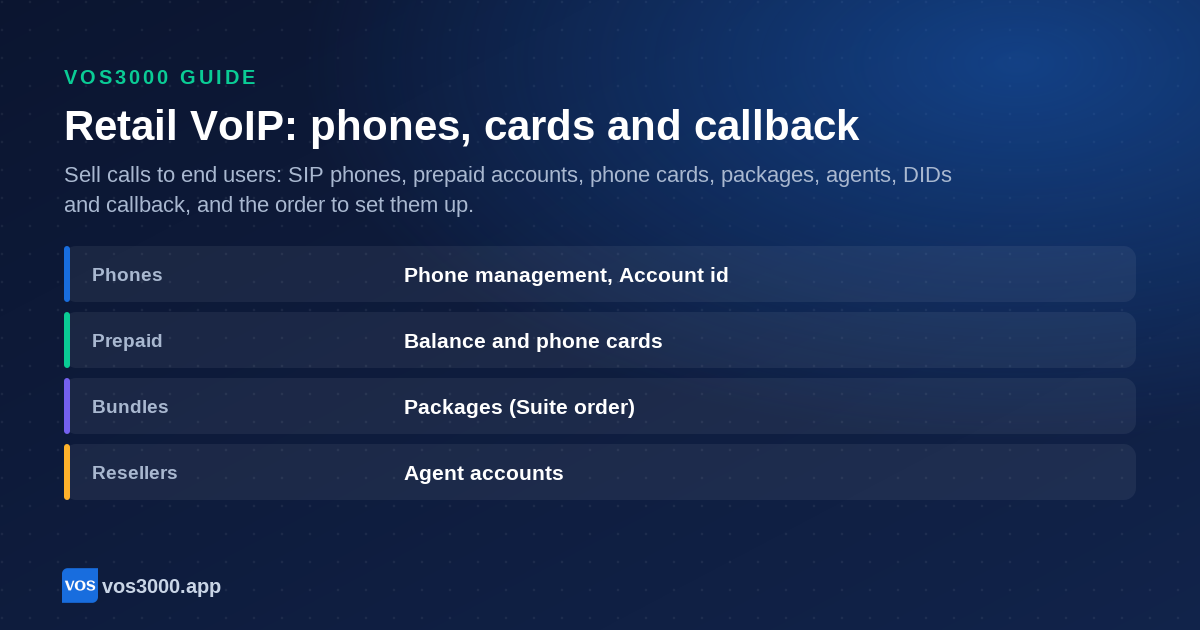
- Phones
- Phone management, Account id
- Prepaid
- Balance and phone cards
- Bundles
- Packages (Suite order)
- Resellers
- Agent accounts
VOS3000 is best known for wholesale, but it also has the tools for selling to end users: phones, prepaid cards, bundles, resellers and callback. This page shows how they fit together and in which order to set them up. Each section links to the guide with the details.
Retail vs wholesale
| Wholesale | Retail | |
|---|---|---|
| Customer | An operator or dialer sending from a server | A person or office with a phone or app |
| Recognised by | Mapping gateway (IP) | Phone number and password, phone card, bind number or access number |
| Paid with | Balance or overdraft limit | Prepaid balance, phone cards, packages |
| Shared | Rate groups, routing gateways, CDR and reports | |
Phones and accounts
A phone registers with its Phone number and password; see SIP phones. Its Account id names the billing account: the manual says that account's rate is used to bill the call and to run the authorization check. Authorization type, Monthly max and Line limit keep a phone to what the user needs; see phone permissions. Each rate's Rate type (Net, Local, Domestic or International) is what the Authorization type is checked against.
Prepaid balance and phone cards
For prepaid users, keep the account's Overdraft limit at 0 so calls stop when the money is used, and turn on Enable anti overdraft so a call in progress cannot run past it; see overdraft limit.
Phone cards are created in batches with a Money amount, a Billing rate and an expiry. A card's Function decides what it does, for example create an account or recharge one. A Bind number lets a caller be recognised by their own phone number. The rate group has an Equivalent time to 60 seconds for calling card field, and rates have a Billing rate for calling card prompt and Billing cycle for calling card prompt, used when the IVR announces the remaining duration. The manual gives these only one line each.
Packages and free minutes
A package sells a rent with Free duration or Free money amount, ordered for the account in Suite order. Free duration is set per area prefix and time window, and is used before free money; see free minutes. For a plain monthly rent on one phone, use its Monthly service fee or Monthly min instead.
Agents and resellers
Set the reseller's account to the Account category Agent and put its customers under it as sub-accounts. Each call is also charged to the agent at the agent's own rate, so the agent needs a rate and enough balance. With the default Agent privilege template, an agent login works with its own accounts, phones and cards, while routing gateways stay hidden; see agents and agent authorizations.
DID numbers and inbound calls
A phone's Phone number is both its caller ID and the number it is called on. DID/DDI adds more numbers to the same phone, in signalling only; billing still follows the phone. Reverse charging makes the called account pay, for example for a free support line. See DID numbers, and call forwarding for forwarding to a mobile, which leaves through a routing gateway.
Callback and IVR
The Direct/callback module gives calling-card access through an access number, or calls the user back. Its voice menus can query the balance, recharge and bind numbers. Callers can be checked by the access number's phone, a bind number, an active phone card or a platform phone. See IVR and callback.
Setup order
- Carriers: routing gateways and their buying rates, as in wholesale setup.
- Retail rate group, with the right Rate type and billing cycle on every rate.
- Packages, if you sell bundles.
- Agent accounts and logins, if resellers sell for you.
- Customer accounts, or phone cards in a batch.
- Phones, with Authorization type, Monthly max, Line limit and any DID/DDI.
- Direct/callback services, if you sell access-number cards.
- Test calls, a CDR check and a Balance alarm.
Retail need, feature and guide
| Retail need | VOS3000 feature | Guide |
|---|---|---|
| Desk phone or softphone | Phone management | SIP phones |
| Block international, cap spend | Authorization type, Monthly max | Phone permissions |
| Prepaid cards | Phone card, Bind number | Phone cards |
| Monthly plan with minutes | Packages, Free duration | Packages |
| Resellers | Agent accounts | Agents |
| Extra or free numbers | DID/DDI, Reverse charging | DID numbers |
| Forward to mobile | Supplementary service | Call forwarding |
| Access number, callback | Direct/callback | IVR and callback |
In VOS3000 Web
In VOS3000 Web, our browser panel, Phone Management adds a phone with its Phone Number, Password, Capacity, Lock Type and Call Permission, and shows a status light for each phone. A new phone gets International by default, so lower it for retail users. The customer list has Add Payment, and Payment History lists payments. Phone cards, packages and audio services are set in the desktop client.
Questions about this topic
Can VOS3000 run a retail VoIP service?
Yes. Next to wholesale, it has SIP phones, prepaid accounts, phone cards and bind numbers, packages, agents, DID numbers and a Direct/callback module, all on the same rates and routing gateways.
How do retail customers top up on VOS3000?
Record a Payment on their account, or sell phone cards. A card's Function can, for example, recharge an account or add the money to the current account balance.
Can I sell monthly plans with free minutes?
Yes, with a package: a Rent fee per Rent period plus Free duration or Free money amount, given to an account in its Suite order. For a simple fixed rent, a phone also has a Monthly service fee.
Can resellers sell my VOS3000 service?
Yes. Make the reseller an Agent account with its own rate group and balance, put its customers under it as sub-accounts, and give it an Agent user login.
Run VOS3000 without the server work
Pick a VOS3000 server hosted by us, or have us install VOS3000 on your own server. VOS3000 Web and the Android app come with it.
Keep reading
SIP phones
Add phones, use the setup wizards, and set call forwarding, DND and voice mail.
Phone cards and bind numbers
Create calling cards in batches, activate them and bind caller numbers.
Packages (bundles)
Monthly rent with free minutes or free credit, ordered per account.
IVR, callback and audio services
Direct dial and callback, IP PBX, conference and call center modules.