
 EN
 简体中文
 Español
 Français
SIP call flow through VOS3000
Every call on your switch follows the same path. Knowing it tells you which setting to check when a call fails at a given step.
Updated · By the VOS3000 Web team
Quick answer: A SIP call through VOS3000 has two legs. The customer's INVITE is matched to a mapping gateway and its account, priced and checked against the balance, then VOS3000 sends a new INVITE to the first routing gateway. Ringing and early media come back, 200 OK starts billing, ACK confirms it, BYE ends it, and VOS3000 writes the CDR.
- Legs
- Calling Call-Id and Called Call-Id
- Carrier answer wait
- SS_SIP_TIMEOUT_INVITE, 10 s
- Billing starts
- 200 OK
- Who ended it
- Hangup side in the CDR
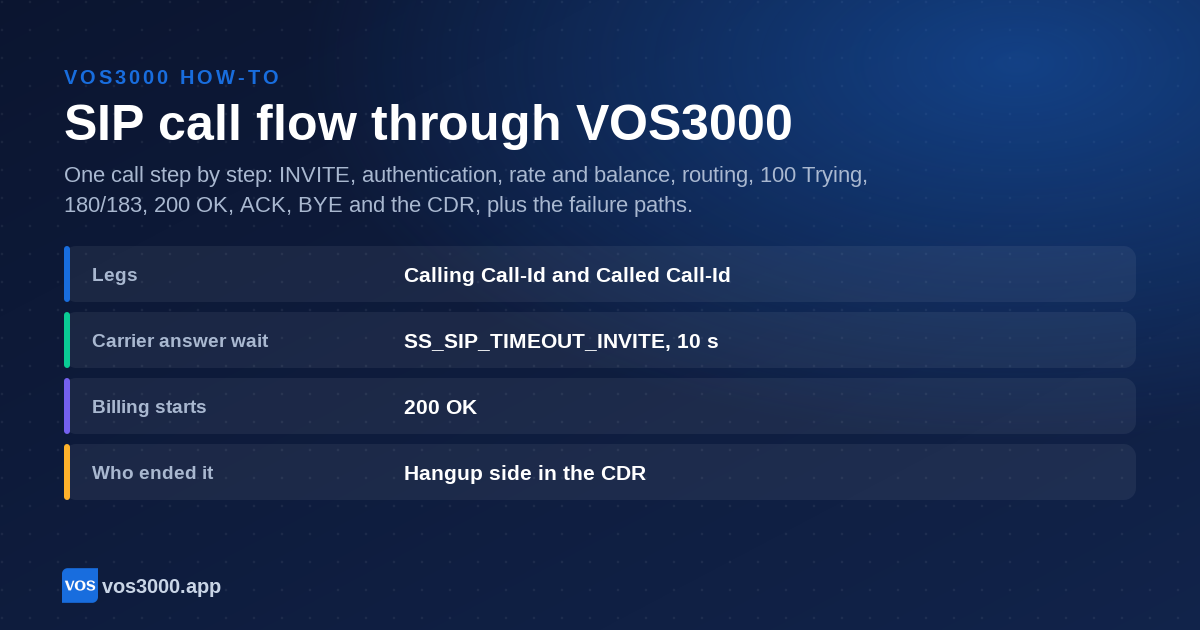
VOS3000 sits between your customer and your carrier. It does not forward the customer's INVITE as it is: it handles two call legs, one with the customer and one with the carrier. The CDR keeps both, as Calling Call-Id and Called Call-Id. Below is one successful call, then the ways it can fail.
Before the carrier sees anything
When the customer's INVITE arrives, VOS3000 has three questions to answer.
- Who is calling? VOS3000 matches the INVITE to a mapping gateway by its Call authentication mode: IP, IP Address and Port, or a password challenge. A failed check ends the call with CallAuthenticationFailure (-6). A call from an unknown IP whose number is not registered is an IllegalCall (-9). See gateway authentication.
- Can they pay? The mapping gateway belongs to an account, and the account has a rate group. With no rate for the number the call ends with RateNotExist (-5); with too little balance, InsufficientBalance (-2).
- Where does it go? VOS3000 lists the routing gateways whose prefix matches the called number and sorts them; see routing order. If none fits, the call ends with NoAvailableRouter (-69).
Rewrite rules and dial plans on the gateways change the numbers along the way. The CDR shows the result as Incoming callee and Outbound callee.
The message sequence
| Step | Message | Direction | What VOS3000 does |
|---|---|---|---|
| 1 | INVITE | Customer → VOS3000 | Authenticates the mapping gateway, finds the account, rate and balance. |
| 2 | 100 Trying | VOS3000 → Customer | In standard SIP, this tells the customer the INVITE arrived, so it stops resending it. |
| 3 | INVITE | VOS3000 → Carrier | Sends a new INVITE to the first routing gateway, with the rewritten numbers. Waits up to SS_SIP_TIMEOUT_INVITE (10 s) for a reply. |
| 4 | 100 Trying | Carrier → VOS3000 | Waits up to SS_SIP_TIMEOUT_TRYING (20 s) for the next message. |
| 5 | 180 Ringing | Carrier → VOS3000 → Customer | Passes ringing on. With the defaults, the call no longer fails over to another carrier. Ringing may last up to SS_SIP_TIMEOUT_RINGING (120 s). |
| 5a | 183 Session Progress | Carrier → VOS3000 → Customer | With SDP, this is early media: the caller hears the carrier's tone or announcement. By default VOS3000 stops switching carriers after SDP. |
| 6 | 200 OK | Carrier → VOS3000 → Customer | The call is answered. Billing starts. |
| 7 | ACK | Customer → VOS3000, VOS3000 → Carrier | Each leg confirms its own 200 OK. |
| 8 | RTP | Both ways | The voice flows, through VOS3000 if media proxy is used, otherwise directly. |
| 9 | BYE | Either side | Ends the other leg with its own BYE. Each BYE is answered with 200 OK. |
| 10 | CDR | Inside VOS3000 | Writes the call with duration, charges, cost, Termination reason and Hangup side. |
Ringing and early media
180 without SDP lets the caller's own device play the ringback. 183 or 180 with SDP means the carrier sends audio before the answer. The customer may need one or the other; Remote ring back mode on the mapping gateway decides what they receive. Silence before answer is covered in ringback tone.
The manual measures post dial delay (PDD) from the INVITE to the carrier until its 180 or 200, a busy reply, or SDP when Stop switch gateway after receive sdp is on.
Answer, talk and hang up
Calls are billed from the 200 OK to the BYE. During the call VOS3000 keeps checking it: devices that support session timers get a re-INVITE or UPDATE within SS_SIP_SESSION_TTL (600 s); see SIP timeouts. Whether the RTP passes through your server is set by media proxy.
When the call ends, the CDR records who hung up: Hangup side is the caller, the callee or the server. Normal endings are CallerHangup (-7) and CalleeHangup (-8).
Failure paths
- Carrier sends 4xx or 5xx before ringing, for example 503: the INVITE is acknowledged and VOS3000 tries the next routing gateway in the list.
- Carrier does not answer the INVITE: VOS3000 resends it, then fails over after the INVITE timeout.
- Busy (486), or a code in Stop switching response code: no failover. The callee would be busy on any route.
- After ringing or SDP: by default no failover, even if the carrier fails a moment later.
- Every gateway failed: VOS3000 sends a final error to the customer and writes the CDR with the last reason.
The exact switch rules and their defaults are in carrier failover. To read a failed call's code, see termination reasons; to see the messages themselves, use debug trace.
Questions about this topic
When does VOS3000 start billing a SIP call?
At the answer, when the carrier sends 200 OK. Ringing and early media before that are not billed time. The call is billed until the BYE.
Why does VOS3000 not try the next carrier after 183 Session Progress?
SS_SIP_STOP_SWITCH_AFTER_SDP is on by default, so once a SIP carrier sends SDP, VOS3000 stops switching gateways. See carrier failover.
Does the audio pass through VOS3000?
Signalling always does. The RTP audio passes through only when media proxy is used for the call; otherwise it flows directly between the customer and the carrier.
How do I see the SIP messages of one call?
Turn on debug trace and capture the call. The CDR also stores the Calling Call-Id and Called Call-Id, so you can find both legs.
Run VOS3000 without the server work
Pick a VOS3000 server hosted by us, or have us install VOS3000 on your own server. VOS3000 Web and the Android app come with it.
Keep reading
Carrier failover rules
What makes VOS3000 try the next carrier and what stops it: ringing, busy, SDP, RTP start, response codes, timeouts and the switch limit.
SIP timeouts and call limits
INVITE and ringing timeouts, session timer, the 2-hour limit, no-media hang up and max call duration.
All termination reasons
Every VOS3000 end reason code with what it means, plus SIP and Q.850 codes.
Media proxy
What On, Off, Auto and Must on do, how Auto decides, and what it costs in bandwidth.