
 EN
 简体中文
 Español
 Français
Find why a route fails: gateway fail analysis
ASR on one carrier has dropped. Before you call them, find out which reasons, which hours and which destinations are failing.
Updated · By the VOS3000 Web team
Quick answer: Routing gateway fail analysis, under CDR analysis, splits one carrier's failed calls by termination reason and shows each reason as a percentage. Pair it with Routing gateway call analysis daily (15-minute samples) to find the bad hours, and Routing gateway area analysis to find the bad destinations.
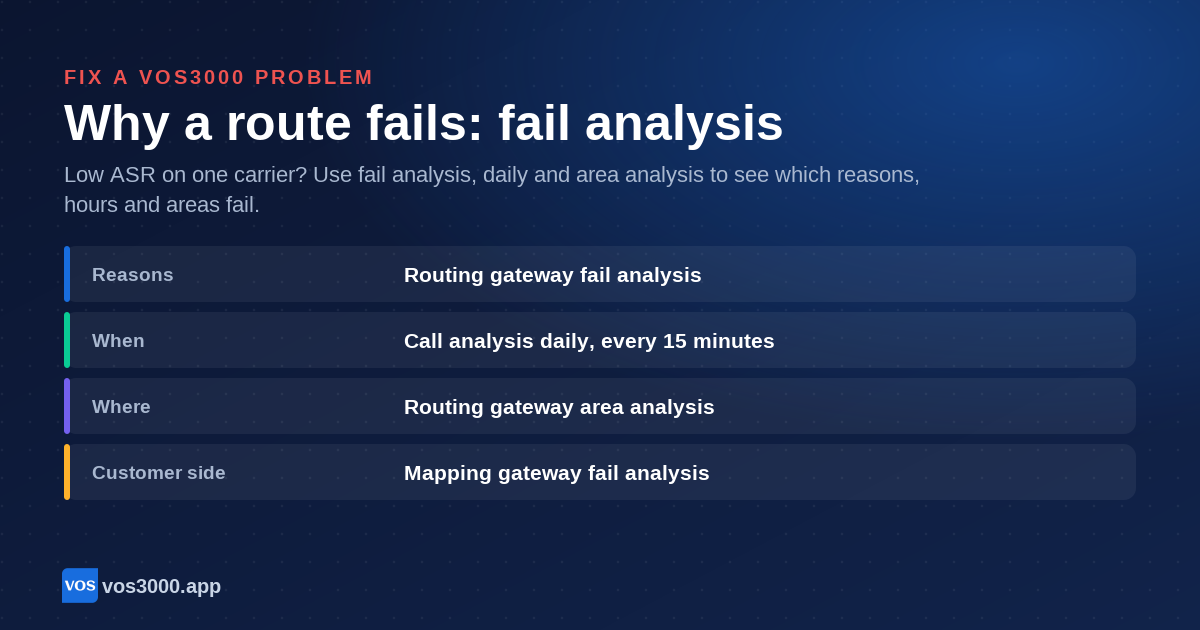
- Reasons
- Routing gateway fail analysis
- When
- Call analysis daily, every 15 minutes
- Where
- Routing gateway area analysis
- Customer side
- Mapping gateway fail analysis
A low ASR is a symptom. The cause can be the carrier's capacity, a destination it cannot reach, the numbers your customers send, or the time of day. VOS3000's CDR analysis tools let you split the failures each of those ways. All of them are under Navigation > CDR analysis in the desktop client.
Step 1: confirm which side is failing
Start with Routing gateway analysis > Routing gateway call analysis for the carrier and the time range. Check the drop is real and not a quiet day with few calls. Then run Mapping gateway analysis > Mapping gateway call analysis: if the failures come from one customer across several carriers, the problem is the customer's traffic, not the route.
In both reports the analysis method filter decides the view: with caller, Gateway name is the mapping gateway; with called > gateway name, it is the routing gateway. Ip is the calling or called IP from the CDR, following the same choice.
Step 2: read the fail reasons
Open Routing gateway analysis > Routing gateway fail analysis, or right-click the routing gateway and choose Routing gateway fail analysis. It splits the gateway's ended calls by termination reason and gives each reason a percentage. Sort the reasons into groups:
| Main reasons | Likely cause | Next step |
|---|---|---|
| Busy, no answer | Normal for the traffic type. | Compare with other carriers for the same area before acting. |
| 503, no circuit, congestion | The carrier is out of capacity. | Check hours in Step 3 and the Line limit you agreed. |
| 404, 484, invalid number | Number format. | Check prefix and rewrite rules on the routing gateway. |
| 403, call rejected | Caller ID, IP or account refused. | Ask the carrier what they accept. |
| Timeouts, no response | The carrier is unreachable. | Test the path; see network test. |
Look up any code in the termination reason lookup. For carrier-side causes, see Q.850 cause codes.
Run Mapping gateway analysis > Mapping gateway fail analysis too. A customer with many invalid-number failures is sending bad numbers, and every carrier will reject them.
Step 3: find the bad hours
- Routing gateway call analysis daily samples the day in 15-minute steps. Failures that rise at the same time each day usually mean the carrier runs out of capacity at its busy hour.
- Routing gateway performance charts concurrent calls by hour for the busiest routing gateways. The number of gateways shown is set by the system parameter
SERVER_DISPLAY_CHART_GATEWAY_SIZE. If failures start when concurrency hits a plateau, you have found the carrier's real limit. - Call distribution shows calls over the 24 hours, and Historical performance shows concurrency on a chosen date. Historical performance does not count unsuccessful calls, so it reads slightly low.
Step 4: find the bad destinations
Routing gateway area analysis breaks the carrier's calls down by Area prefix and Area name. The prefix is the Region prefix on the rate used when the CDR was written, and the name comes from region information. A carrier with a fine overall ASR can still fail on one mobile network or one country.
Gateway area cross analysis (under Mapping gateway analysis) shows calls from a mapping gateway to each area through the different routing gateways. Use it to compare carriers for the same destination. Area analysis gives the same split for all gateways together.
Step 5: act on it
- Send the carrier the reasons, hours and areas, with a few example CDRs.
- Move traffic for the failing areas to another carrier; see routing order.
- Keep 503 and congestion out of Stop switching response code so those calls move on to the next carrier.
- Set a Routing asr alarm so the next drop finds you first.
In VOS3000 Web
In VOS3000 Web, our browser panel, Reports → Routing Analysis shows each routing gateway's total, unconnected and connected calls, ASR and ACD for a date, with an Hourly and a Weekly view. The CDR page filters by Routing Gateway and a Failed status and shows the Termination reason of each call. For a wider tour of the reports, see reports and analysis.
Questions about this topic
What is the difference between call analysis and fail analysis?
Call analysis counts calls, connections and duration per gateway. Fail analysis looks only at why calls ended and gives each termination reason as a percentage.
Why is Historical performance lower than my real call load?
The manual notes that unsuccessful calls are not counted there, so the concurrency it shows is a little lower than reality.
How do I compare two carriers for the same country?
Use Gateway area cross analysis: it shows calls from a mapping gateway to each area through the different routing gateways.
Can I see failed calls per carrier in VOS3000 Web?
Yes. Routing Analysis gives total, unconnected and connected calls with ASR per routing gateway, with Hourly and Weekly views, and the CDR page filters by routing gateway and Failed status.
Run VOS3000 without the server work
Pick a VOS3000 server hosted by us, or have us install VOS3000 on your own server. VOS3000 Web and the Android app come with it.
Keep reading
Reports and analysis
Revenue, clearing and gateway reports, and which one answers which question.
All termination reasons
Every VOS3000 end reason code with what it means, plus SIP and Q.850 codes.
Q.850 cause codes and SIP
Common Q.850 causes, the SIP responses they map to, and what each means for routing and failover.
Routing order and LCR
How VOS3000 sorts routing gateways: prefix, priority, ASR, lowest rate, and when it fails over.