
 EN
 简体中文
 Español
 Français
VOS3000 for call centres and dialers
Dialers start many short calls at once, and carriers watch them closely. Here is how the VOS3000 pieces fit together for this traffic.
Updated · By the VOS3000 Web team
Quick answer: On VOS3000 a dialer is a customer: give it an account and a mapping gateway with its IP, then cap it with Line limit and Rate limit. Keep each client on approved carriers with the mapping gateway's Routing gateway group, present only caller IDs you may use, watch ASR and ACD per gateway, and match billing increments with your carriers.
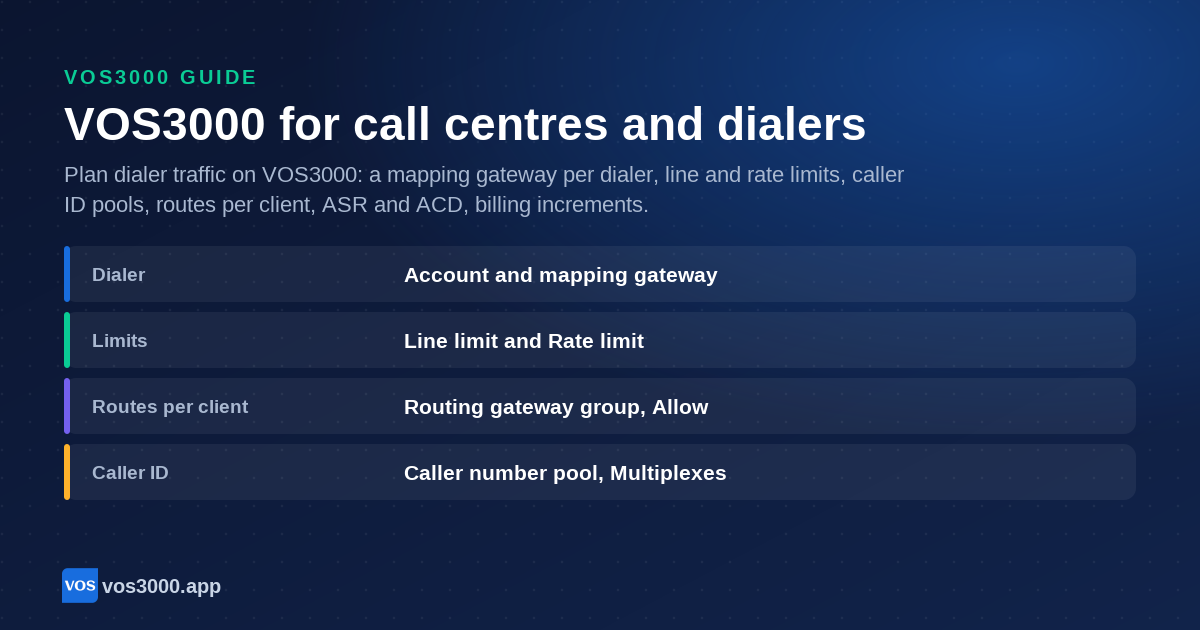
- Dialer
- Account and mapping gateway
- Limits
- Line limit and Rate limit
- Routes per client
- Routing gateway group, Allow
- Caller ID
- Caller number pool, Multiplexes
Dialer traffic uses the same VOS3000 parts as any wholesale customer: an account, a mapping gateway, routing gateways and rates. What changes is the settings that matter most. This page is the plan; each step links to the guide with the details. If you have never set up a route, start with wholesale setup.
The plan at a glance
| Step | What to set | Guide |
|---|---|---|
| 1. Account | Rate group, balance or Overdraft limit | Overdraft limit |
| 2. Dialer | Mapping gateway with the dialer's IP | VICIdial |
| 3. Limits | Line limit and Rate limit | CPS limit |
| 4. Routes | Carriers that accept dialer traffic | Routing gateway |
| 5. Caller ID | Headers and pool | Caller ID |
| 6. Quality | ASR, ACD, fail reasons, alarms | Fail analysis |
The dialer is a customer
To VOS3000, a dialer such as VICIdial is a customer that sends calls from a fixed IP. Give it an account and a Static mapping gateway with that IP. A call from any other IP fails with CallAuthenticationFailure (-6). If you carry dialers for several clients, give each client its own account and mapping gateway, so each one is billed, limited and reported on its own.
Line and rate limits
Set both limits on the dialer's mapping gateway:
- Line limit: the most calls at the same time.
- Rate limit, under Additional settings > Others: how many calls may be set up in a period, your calls-per-second cap.
Set the same two limits on each routing gateway to what the carrier agreed. Dialers usually reach the call rate long before the line limit. To cap several gateways together, put them in a Gateway group: its Line limit is the total capacity of the group. See time-based routing and capacity for limits that change by hour.
Separate routes per client or campaign
Not every carrier accepts dialer traffic. On a mapping gateway, Routing gateway group (allow or forbidden) and Routing gateway name set which routing gateways that mapping gateway may try. Allow only the carriers approved for the campaign, and keep it off your conversational routes. The manual warns that an empty Allow list forbids all routing gateways.
An IP can belong to only one Static mapping gateway. Campaigns that need different routes or prices should therefore come from different dialer IPs, each with its own mapping gateway and account.
Caller ID
Check which header the dialer puts the caller in, and set Caller on the mapping gateway to read it. On the routing gateway, choose what VOS3000 sends, for example P-Asserted-Identity; see caller ID settings. If a carrier gives you a list of approved numbers, a caller number pool sends them in turn or at random, and Multiplexes caps the calls on each number.
Follow your carriers' rules and the rules where calls start and end. Present only numbers you hold or are authorised to use. Never use a pool to hide who is calling: carriers block such traffic, and in many countries it is unlawful.
Short calls, ASR and ACD
Many dialer attempts are busy or not answered, so ASR is lower and ACD shorter than on conversational traffic. Compare a campaign with its own history, not with wholesale averages; the ASR and ACD calculator shows the formulas.
By default, VOS3000 does not try the next carrier after ringing, busy or no answer, so a normal unanswered call does not hunt through every route. Failures before ringing do move on, and each one adds delay; SS_GATEWAY_SWITCH_LIMIT caps the attempts. See carrier failover.
When ASR falls, fail analysis separates normal busy and no answer from real faults such as 503 or 403. A Mapping alarm watches ASR, ACD and call rate per mapping gateway, a Routing alarm ASR, ACD and call timeouts per routing gateway, and its Begin time and End time let you watch only during campaign hours; see alarms.
Billing increments
Short calls make increments matter. A 20-second call is billed 20 seconds at 1/1, 24 seconds at 6/6 and a full minute at 60/60. Set each rate's First time duration and Billing cycle to what you agreed, and make your buying rates use the carrier's real increments, or your margin will not match the invoice. See rates and CDR minutes differ from the carrier.
Not recorded no hold time cdr on the mapping gateway stops zero-length CDRs. It saves space, but you then have fewer records to study failed attempts.
In VOS3000 Web
In VOS3000 Web, our browser panel, the Calls page lists live calls with caller, callee, mapping and routing gateway and status, with filters for each gateway. Mapping Analysis and Routing Analysis show each gateway's total, connected and unconnected calls, ASR and ACD for a day, with Hourly and Weekly views. The CDR page filters by customer, gateway, caller, callee and a Connected, Unconnected or Failed status, and shows Incoming caller and Outbound caller. The Android app shows the same live calls and reports on your phone.
Questions about this topic
Can VOS3000 carry predictive dialer traffic?
Yes. Treat the dialer as a customer with its own account and mapping gateway, and cap it with Line limit and Rate limit. Ask each carrier first whether it accepts dialer traffic.
How do I keep a dialer off some of my carriers?
On the dialer's mapping gateway, set Routing gateway group to Allow and list only the routing gateways approved for that traffic. An empty Allow list forbids all routing gateways.
Why is ASR so low on dialer traffic?
Many dialer attempts are busy or not answered, which is normal. Compare a campaign with its own history, and use fail analysis to find real faults such as 503 or 403.
Can VOS3000 rotate caller IDs?
A routing gateway can take the caller from a caller number pool, with Multiplexes capping calls per number. Put only numbers you hold or are authorised to use in the pool, and follow your carrier's and local rules.
Run VOS3000 without the server work
Pick a VOS3000 server hosted by us, or have us install VOS3000 on your own server. VOS3000 Web and the Android app come with it.
Keep reading
Connect VICIdial to VOS3000
Account, mapping gateway and limits on VOS3000, then the carrier entry and dialplan on VICIdial.
Calls per second (CPS) limits
Keep within a carrier's CPS with Rate limit, watch Call per second, and plan for dialer bursts and failover.
Caller number pool on routing gateways
Send caller numbers from a pool on a routing gateway: Enable caller number pool, Multiplexes, the forwarding signal pool and random or poll order.
Why a route fails: fail analysis
Low ASR on one carrier? Use fail analysis, daily and area analysis to see which reasons, hours and areas fail.